Tools
The Tools menu provides options to search Cambium part numbers and refresh project profiles.

Tools Menu
Search Part Numbers and Descriptions
To search Cambium Networks part numbers, click Tools menu, then click  . Search part numbers and descriptions pop-up window opens.
Enter the required part number in the search bar. Click Copy row icon on the right side of the part number row to copy the row to the clipboard.
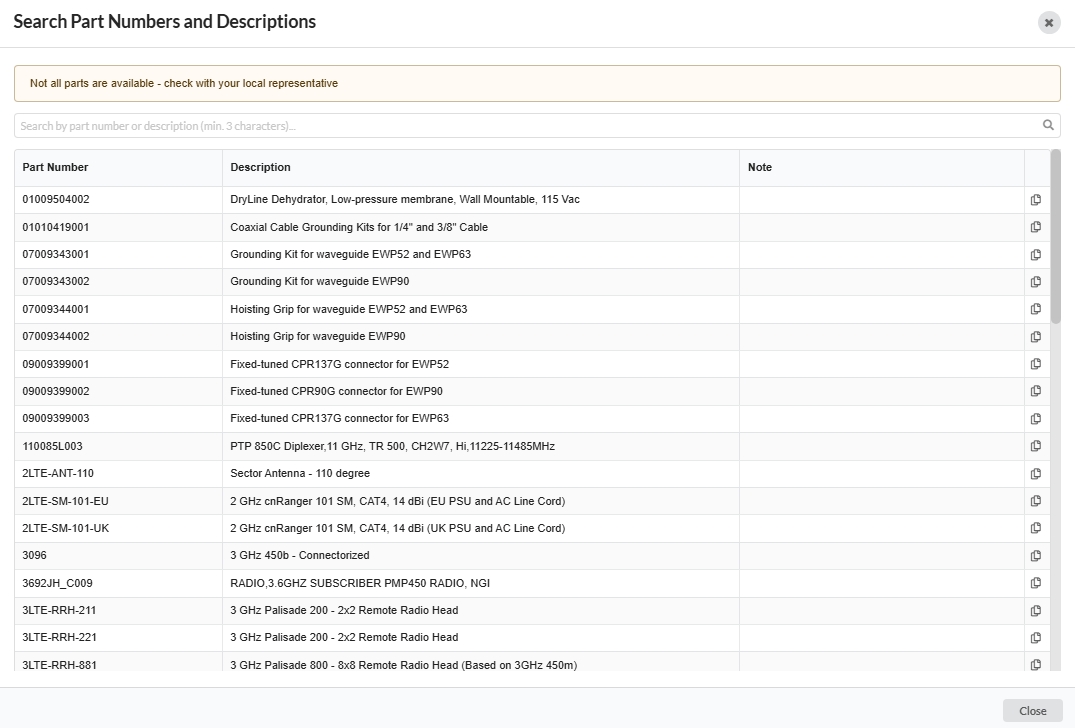
Search Part Numbers
Refresh Project Profiles
To refresh the profiles of the links at the project level, click Tools menu, then click  . Project Profiles* pop-up window opens.
To refresh the profile of the individual link, click
 on the right side of the link row.
To refresh the profile of the multiple links, select the required links using the select checkboxes and then click
 on the bottom of the page.
To refresh all the profiles in the project, click
 on the bottom of the page.
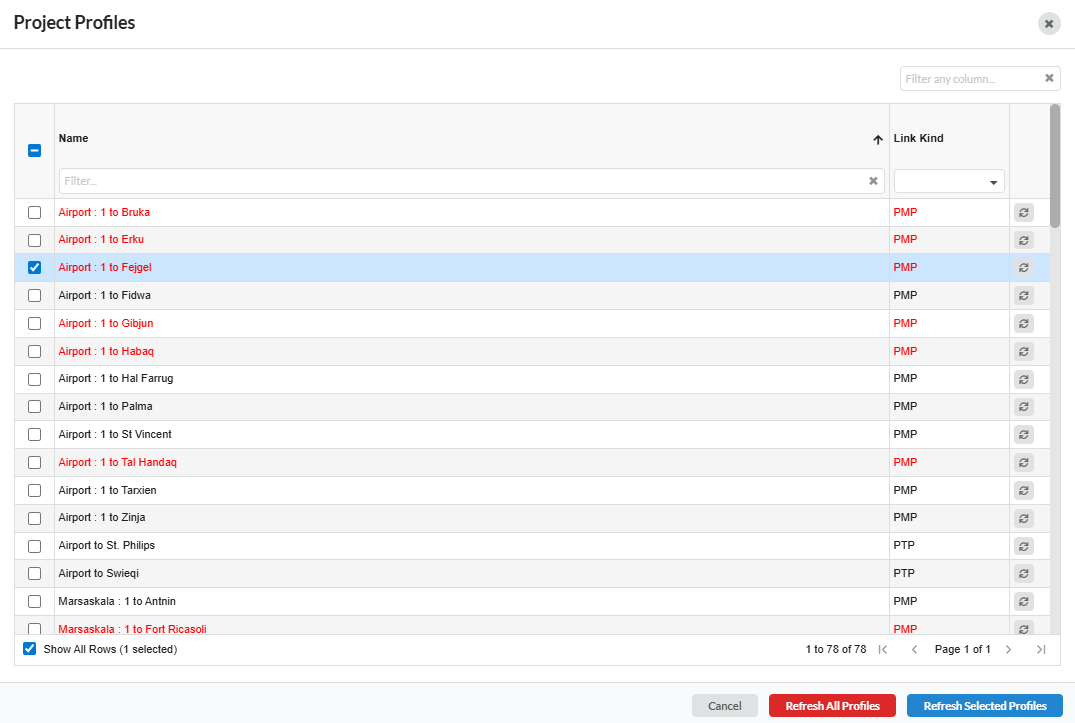
Refresh Profiles