TDD synchronization settings involve adjustment of an individual link in
the Equipment Pane of a link and of the global parameters in the TDD Sync
node in the navigation tree. For a more detailed understanding of TDD
Synchronization, see TDD Synchronization Overview.
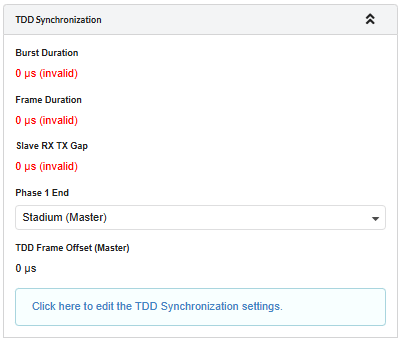
When TDD synchronization is enabled for a link, the link will show zero data rate until a valid set of global options are selected in the TDD Synchronization List and a warning will be displayed in the TDD Synchronization Sub-Panel
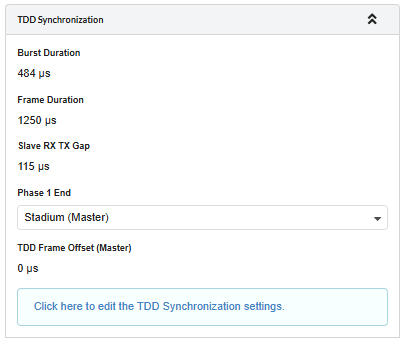
Phase 1 End: In a hub and spoke arrangement there are several links
emanating from one tower. Each link on that tower normally needs to be set
to the same phase. In a simple network this will be setting each Phase 1
End to the hub end. If there is more than one hub in a network then it may
be necessary to have some towers set for all of the links to be Phase 2 at
the hub or Phase 1 at the outstations. This is achieved by setting the
Phase 1 end to the opposite ends of the links from the hub end.