60 GHz cnWave Channel Planning
Channel Plans only apply to 60 GHz cnWave PMP networks.
Use the 60GHz Channel Planning option in the sidebar menu to allocate channels and polarities for a 60 GHz cnWave network.
To configure the channel plan, click Enter Edit Mode, then click the Select button next to the required Channel or Polarity option.. This activates the selection. The example below shows how to set the Polarity to Even.
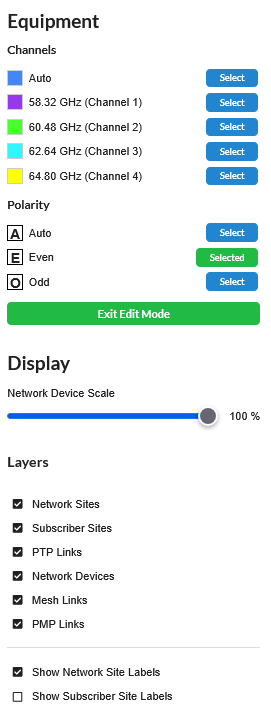
60 GHz cnWave Channel Plan Active Choice Selection
Click on required sector in the map view to set it to the chosen value. Sector colors are displayed according to the selected channels legend. The assigned polarity is shown as E and O.
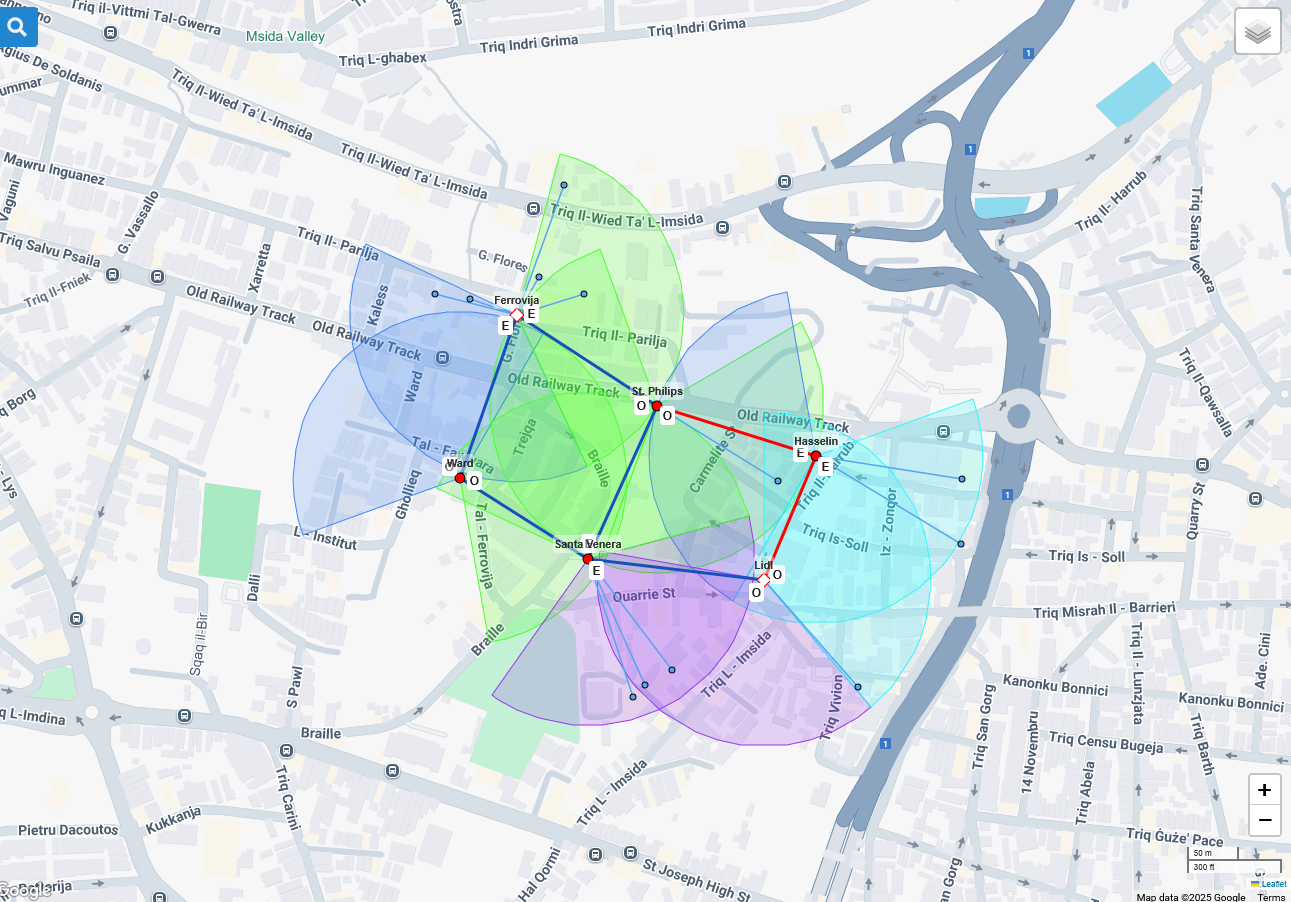
60 GHz cnWave Channel Plan
To control which Layers are visible on the map tick/untick the options in the display menu on the left of the screen.